The real btop UI
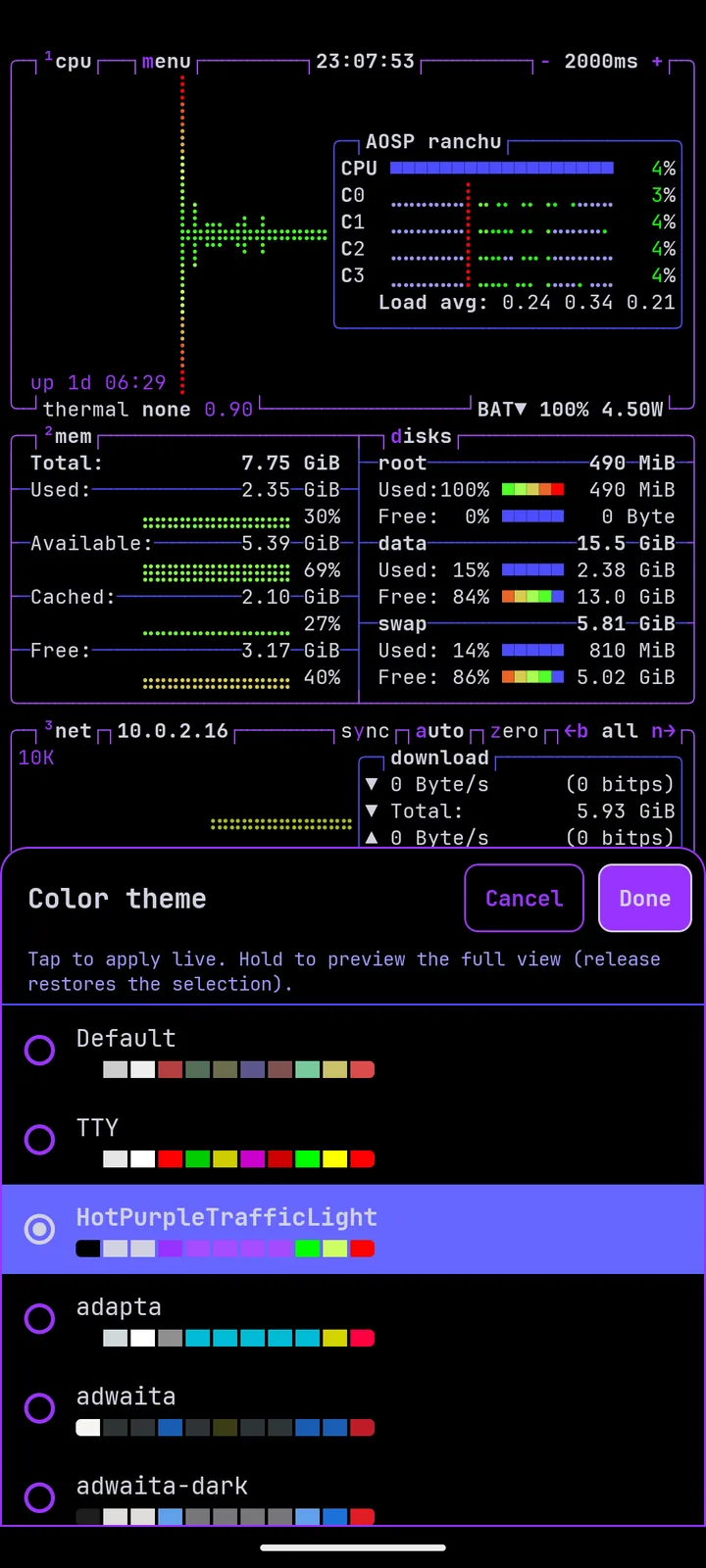
CPU, memory, network, disks and processes, shown in btop’s terminal interface.
btop
System monitor · Android
A native Android port of the btop terminal system monitor. Watch CPU, memory, network, disks and processes in btop’s terminal UI, with 43 official colour themes and a mobile-friendly options screen.
Features
A native Android port — the familiar terminal UI, official themes, and an options screen that works on a small screen.
CPU, memory, network, disks and processes, shown in btop’s terminal interface.
The full official btop colour set, so the monitor looks the way you expect.
Try a theme against the running monitor before you commit to it.
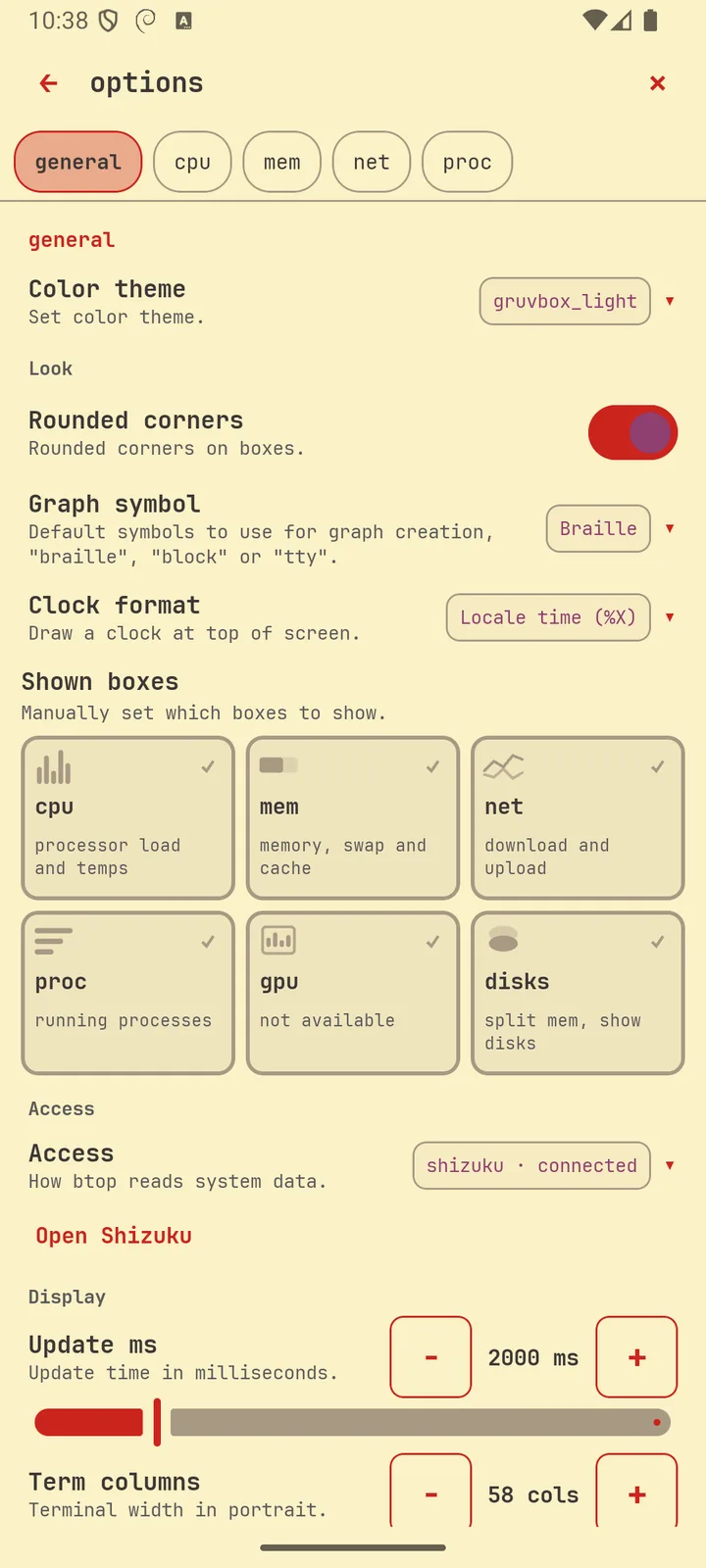
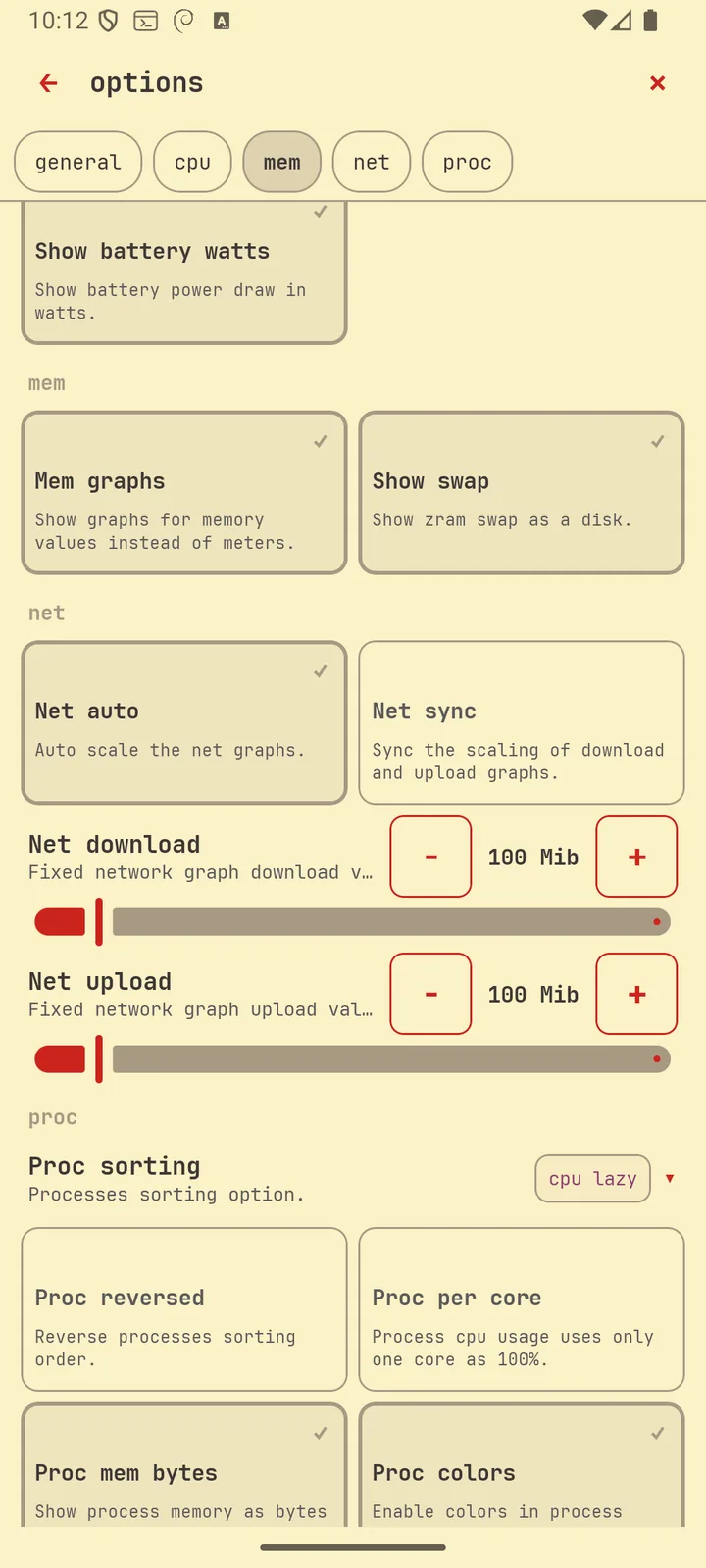
A mobile-friendly options screen for themes and the rest of btop’s settings.
The monitor
btop for Android is a native port of the btop terminal system monitor. The familiar boxes and graphs run on the phone you already carry.
com.sg.btopThemes & options
Pick from 43 official btop colour themes with live preview. The options screen is laid out for a phone, so you can change themes and other settings without fighting a desktop-sized menu.
Screenshots
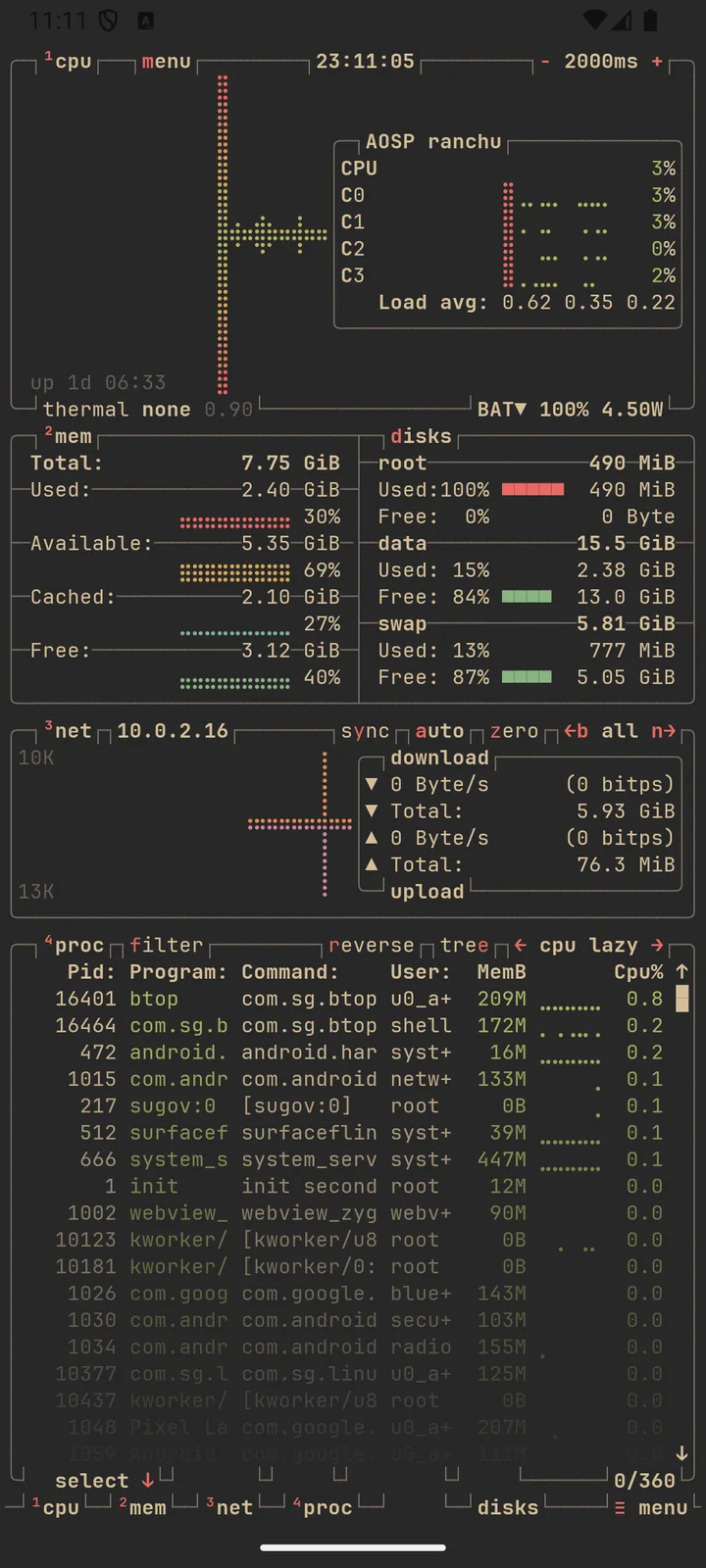
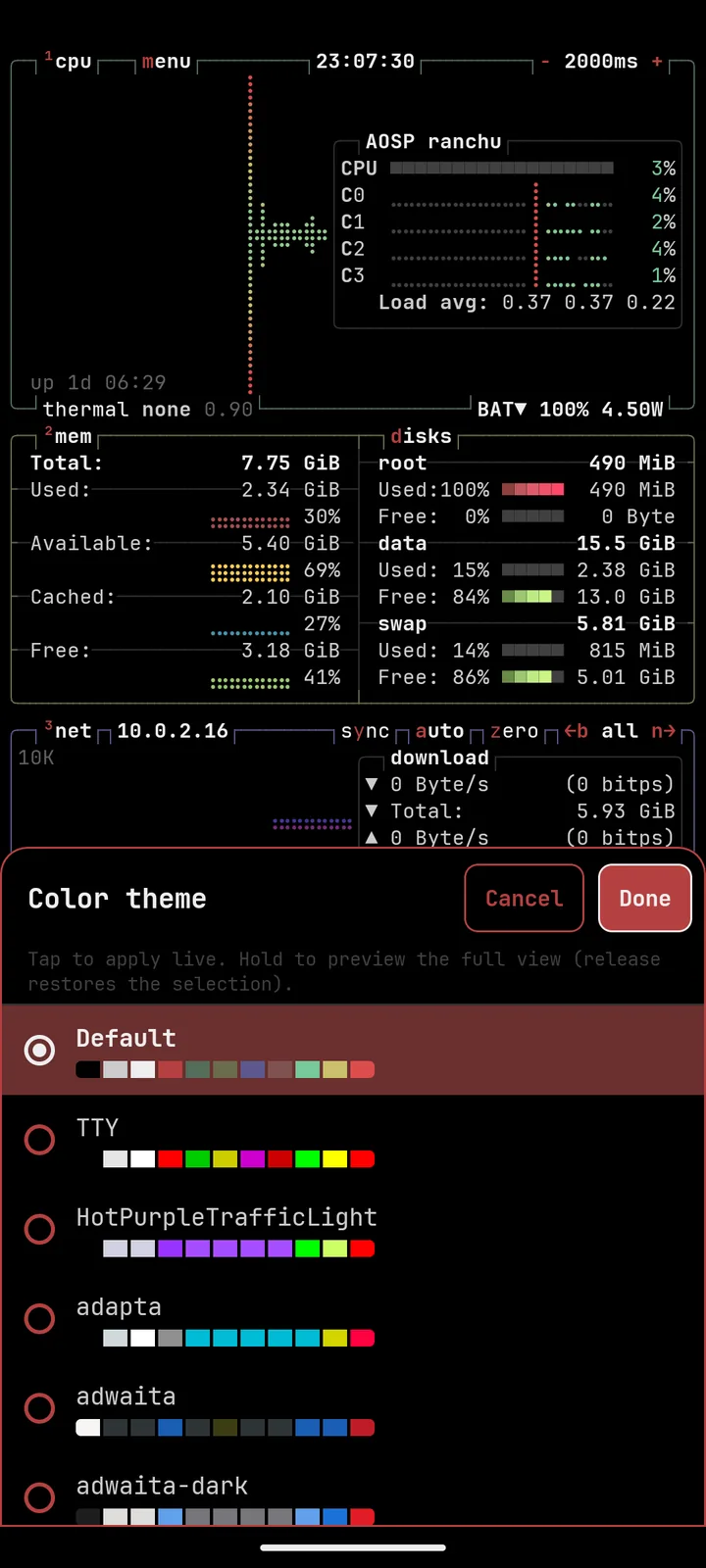
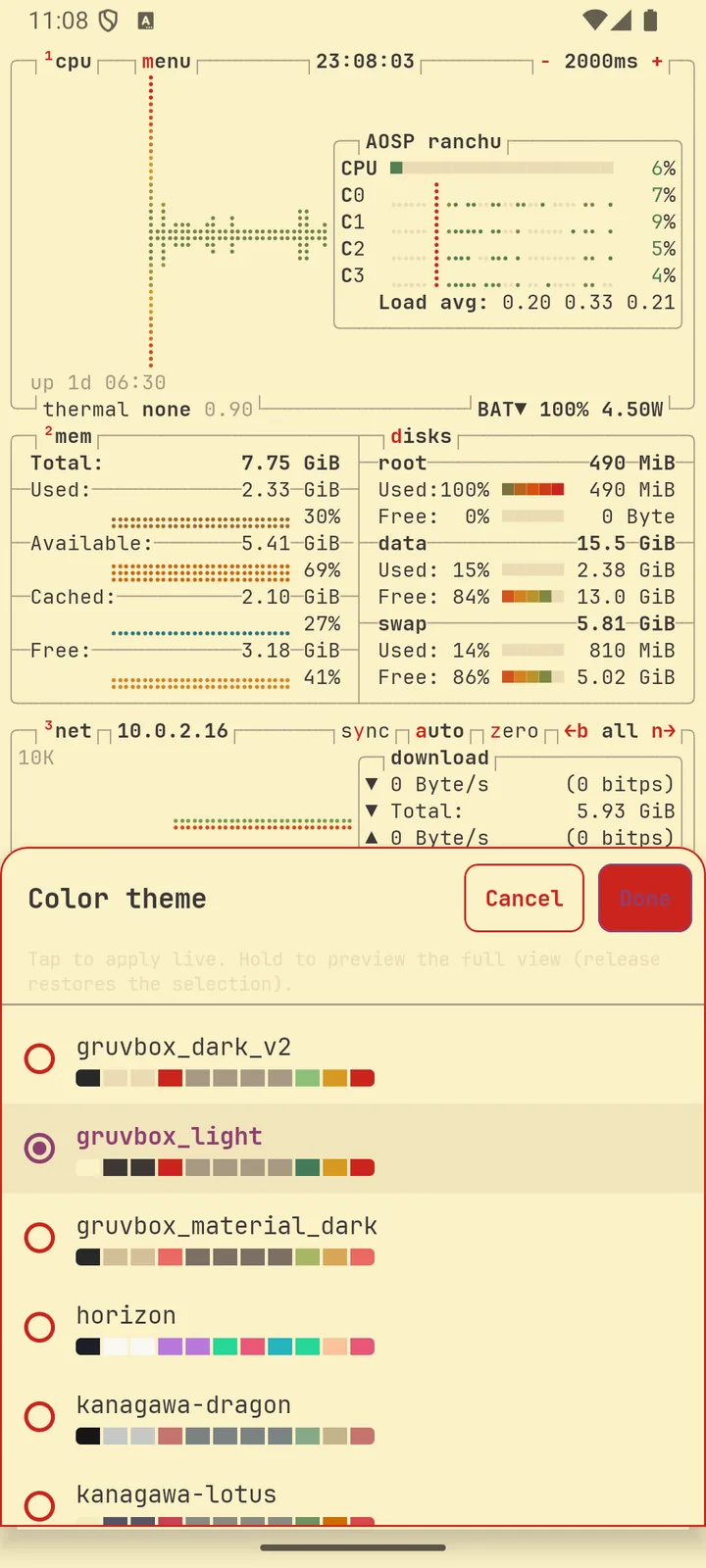
Screenshots from the app. A Google Play release is being prepared.
FAQ
Facts from the app only — no ratings, prices or download counts.
It is a native Android port of the btop terminal system monitor. It shows CPU, memory, network, disks and processes in btop’s terminal UI.
43 colour themes from the official btop set, with live preview so you can see a theme on the running monitor before you keep it.
Yes. btop for Android includes a mobile-friendly options screen for themes and other settings.
Not yet. Version 1.0 is complete and a Google Play release is being prepared. The package name will be com.sg.btop. This page will switch from “Coming soon to Google Play” to a store button when the listing is live.
Package com.sg.btop. Part of the Sanket Apps catalogue alongside TripTracker and PocketLinux.